
For a solo entrepreneur, having a website but ignoring Google Search Console (GSC) is like opening an online store and forgetting to install a "security camera". Instead of wasting money on expensive prediction tools, use AI to master the "100% truth metrics" directly from Google through the steps below.
What is GSC? (The Security Camera Room)
If your website is the "kitchen" where you create content, GSC is the "security camera room". It provides 100% true data from Google so you know:
Who is walking past (Impressions).
Who decides to step inside (Clicks).
Whether the store is being broken into (Security/Hackers).
The 3-Stage Roadmap with 3-Month Rule
Don't rush Google. Mastering data is divided into 3 stages
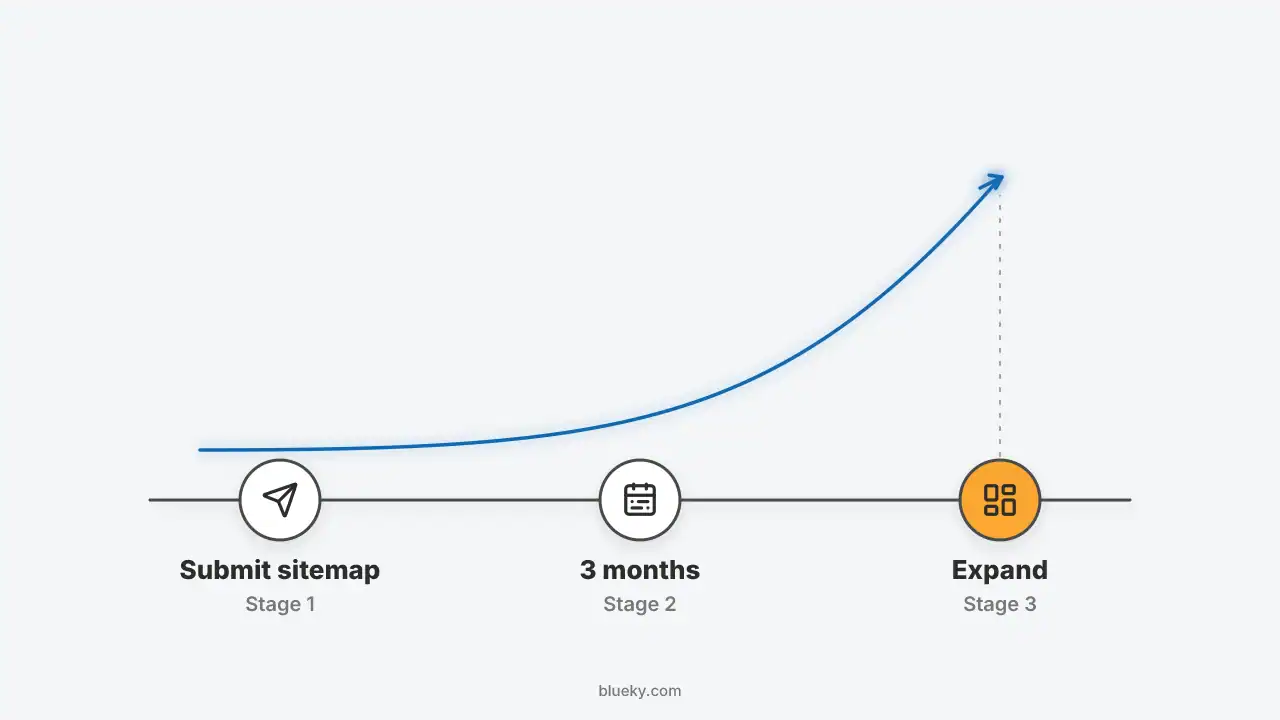
Stage 1 - Initiation (Setup & Delegation): You submit your Sitemap and wait. Google needs time to index. Crucially, if you need experts to help read data or fix errors, grant them access immediately:
Step 1: Go to GSC > Select Settings in the left menu > Click Users and permissions.
Step 2: Click Add user > Enter the email of your support staff (e.g.,
nguyenquanghoang@blueky.com) > Under Permission, select Full > Click Add.
Stage 2 - Development (The 3-Month Rule): Never base strategies on 1-week data. Always set the time filter to the last 3 months for a reliable sample size. (Note: GSC data typically has a delay of a few days).
Stage 3 - Expansion: As your site grows, this will be the central hub managing your entire ecosystem.
Quick Login Guide
Go to the Google Search Console homepage.
Click Start now and log in with the Google account (Gmail) connected to your website.
In the top left corner, click the drop-down menu and select your website domain (Property).
3 Core Metrics to Track
Don't get overwhelmed. Open the Performance tab and focus on these 3 "truth metrics"
Total Impressions: How often your article passes a user's eyes on Google. If 0: It's not indexed, no one is searching for the topic, or the bot hasn't crawled your new post yet.
Total Clicks: How many actually clicked. These are the customers stepping into your store.
Average CTR (Click-Through Rate): The forgotten goldmine (Clicks divided by Impressions). It directly reflects the magnetism of your SEO Title and Description.
Practice: Forcing AI to Analyze GSC for You
You don't need to track keywords manually. Use AI to uncover wasted "goldmines"
Step 1: Go to GSC > Performance tab > Set filter to 3 months.
Step 2: Click Export (top right) > Choose CSV.
Step 3: Upload the CSV to Gemini, ChatGPT or Claude and use this Prompt
You are an expert SEO Strategist and Conversion Rate Optimization (CRO) specialist. I am sending you a CSV data export from my Google Search Console covering the past 3 months.

Please act as my data analysis assistant and perform the following tasks:

1. Filter the Data: Identify the Top 5 pages (or keywords) that have the highest Impressions and an Average Position under 10 (meaning they are ranking on page 1 of Google), but suffer from a Click-Through Rate (CTR) below 2%.
2. Analyze the Issue: For each identified page, provide a brief, beginner-friendly explanation of why users are seeing the link in search results but choosing to scroll past it without clicking.
3. Optimize the Titles: Propose 3 new, compelling SEO Titles (Meta Titles) for each page using the "Curiosity Gap" technique to drive higher clicks. The titles must be under 60-65 characters, highly engaging, and look professional without being misleading (no clickbait).

Please present your analysis in a clean Markdown table with the following columns: [Page/Keyword] | [Current GSC Metrics (Impressions, Position, CTR)] | [Why Users Skip It] | [3 Suggested SEO Titles].
Indexing Status (Sitemaps)
If it's not on Google, it doesn't exist.
Submit Sitemap: Go to Sitemaps, enter your extension (usually
sitemap_index.xmlorsitemap.xml), and click Submit. A green "Success" confirms the connection.Live URL Inspection: After posting, paste the URL into the top search bar of GSC. If it says "URL is not on Google", click Request Indexing to summon Googlebot immediately.
Checking Links & Security
Links: Check Top linking sites to see who is pointing backlinks to your website.
Security & Manual Actions: If your site is hacked or violates policies, you'll see a red warning here. A green tick means you're operating safely.
Next Step: Converting Data into Revenue
Data is meaningless if it doesn't generate money.
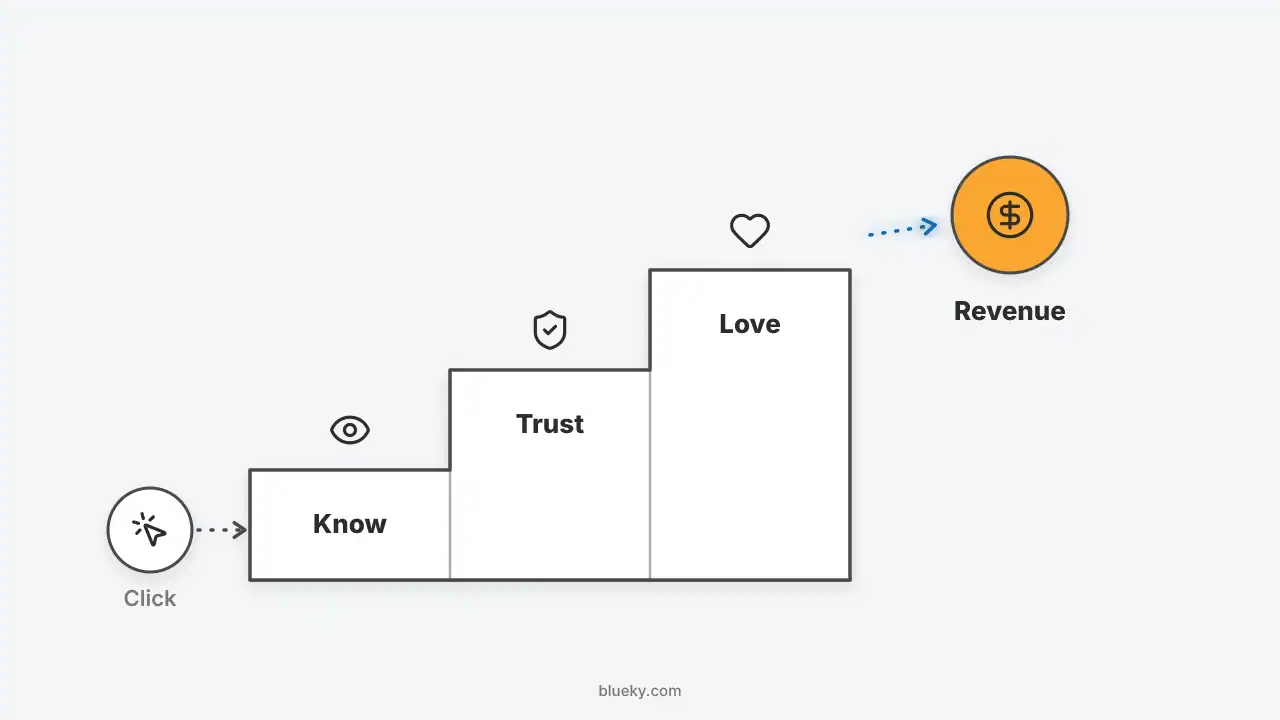
💡 Practical Advice: Once you draw customers in with catchy Titles, allocate those articles into the correct KNOW - TRUST - LOVE Content Funnel. Install automation tools on the Blueky platform to turn clicks into leads, guide them through the funnel, and automatically close digital product sales even while you sleep.